 SwipeClean
Clean your camera roll, one swipe at a time.
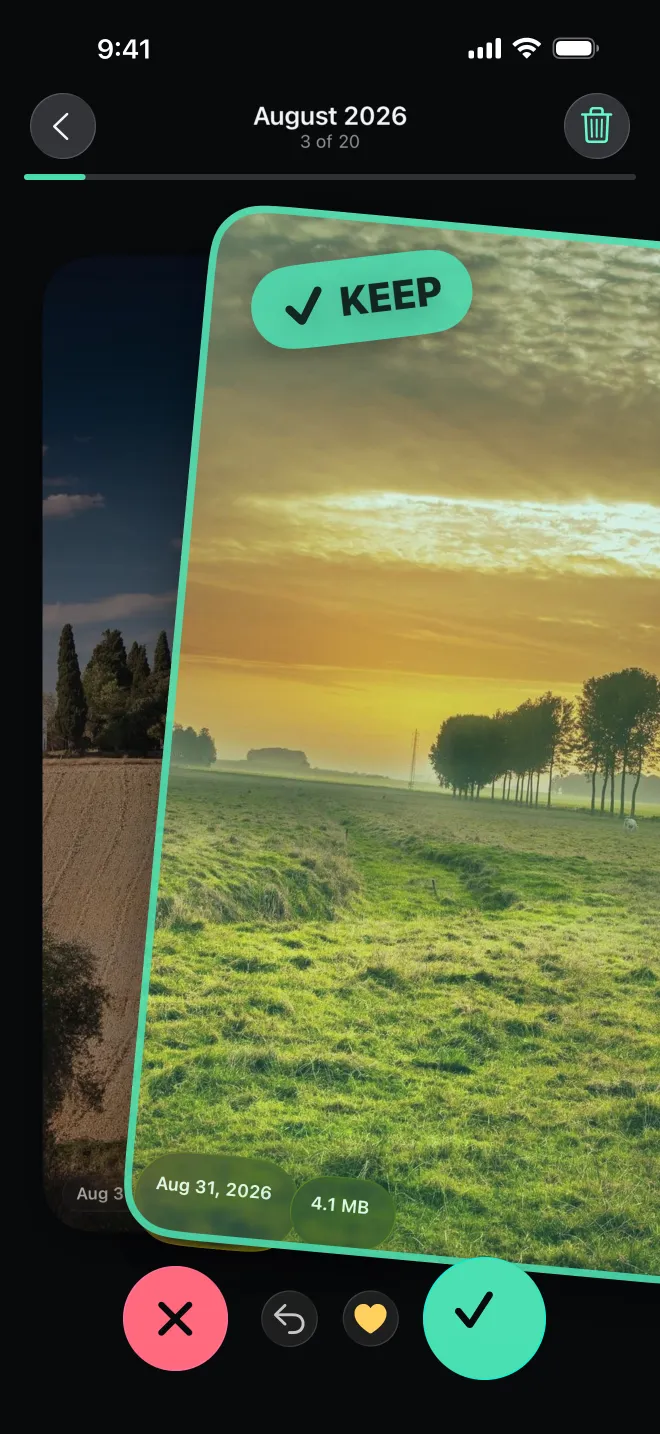
Swipe right to keep, left to bin. Review the bin, delete in one go and free up space on your iPhone.
Coming soon to the App Store
iPhone · iOS 26
 SwipeClean
Swipe right to keep, left to bin. Review the bin, delete in one go and free up space on your iPhone.
How it works
The photo stays where it is and you move on.
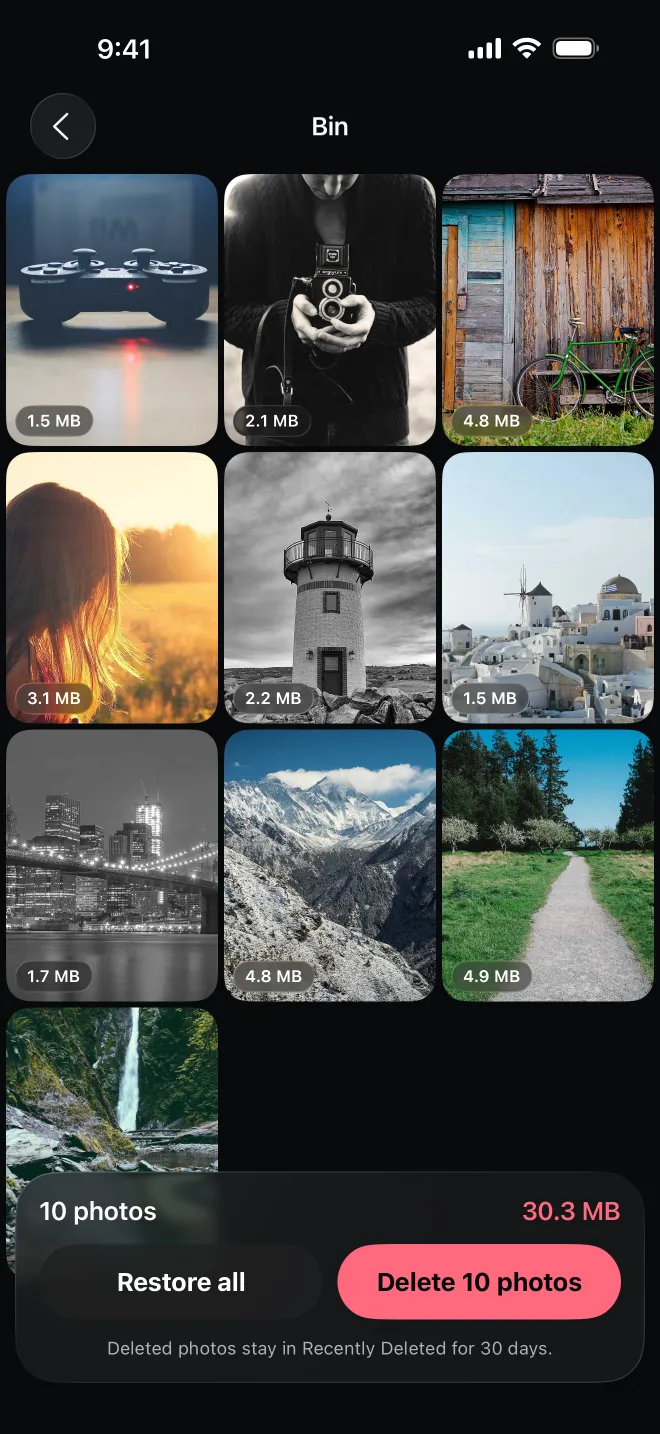
It waits in the bin until you're sure. Nothing is deleted yet.
Saved as a favorite in Photos, so the best ones are easy to find.
Features
Binned photos wait for your review. Delete them in one confirmed batch; they stay in Recently Deleted for 30 days.
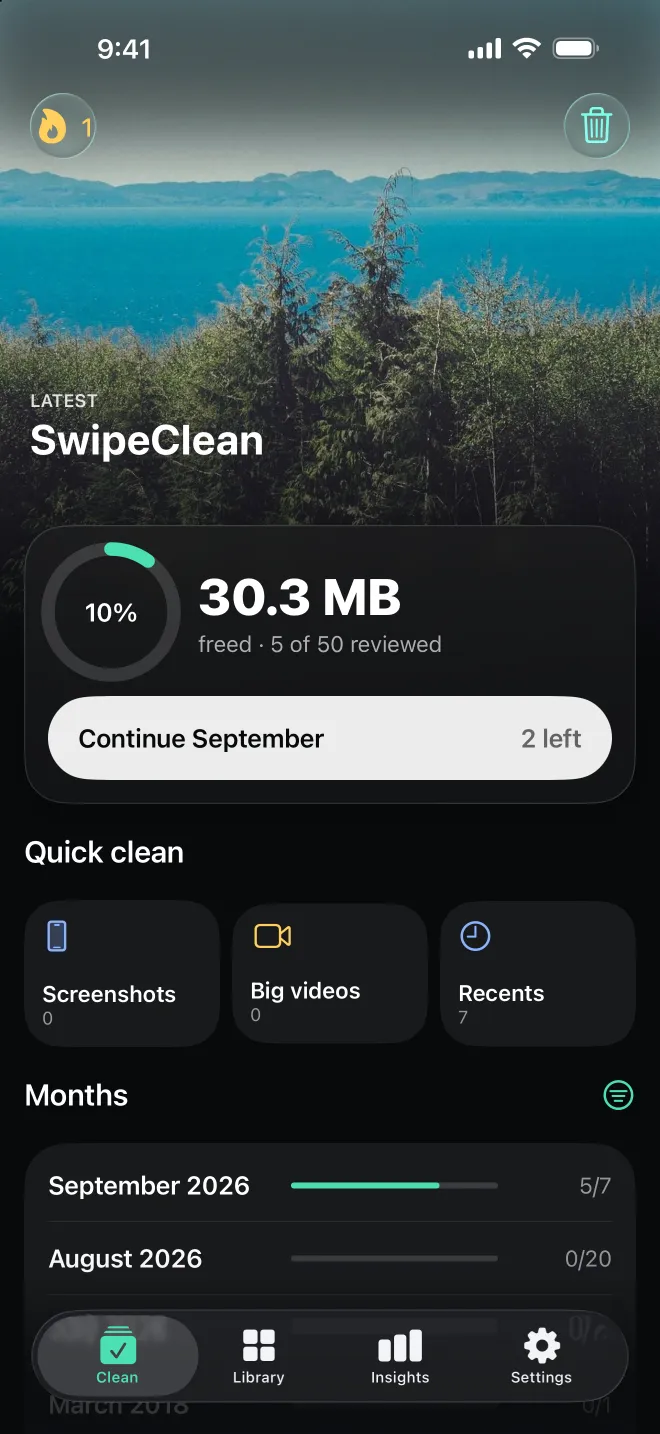
Your library is split into months or weeks with progress for each, sorted the way you like.
Jump to screenshots, big videos, selfies, Live Photos, recents, a random mix or this day in past years.
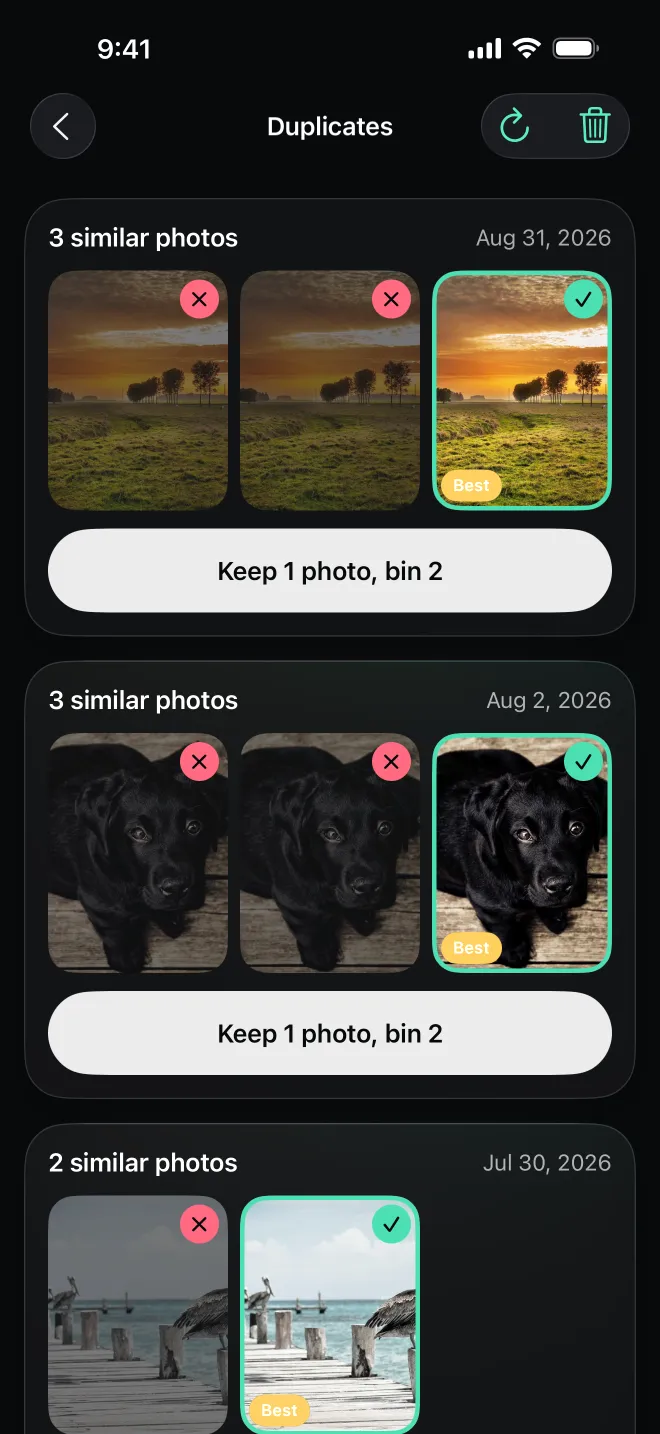
Near-identical photos are grouped together with the best shot suggested, so you keep only one.
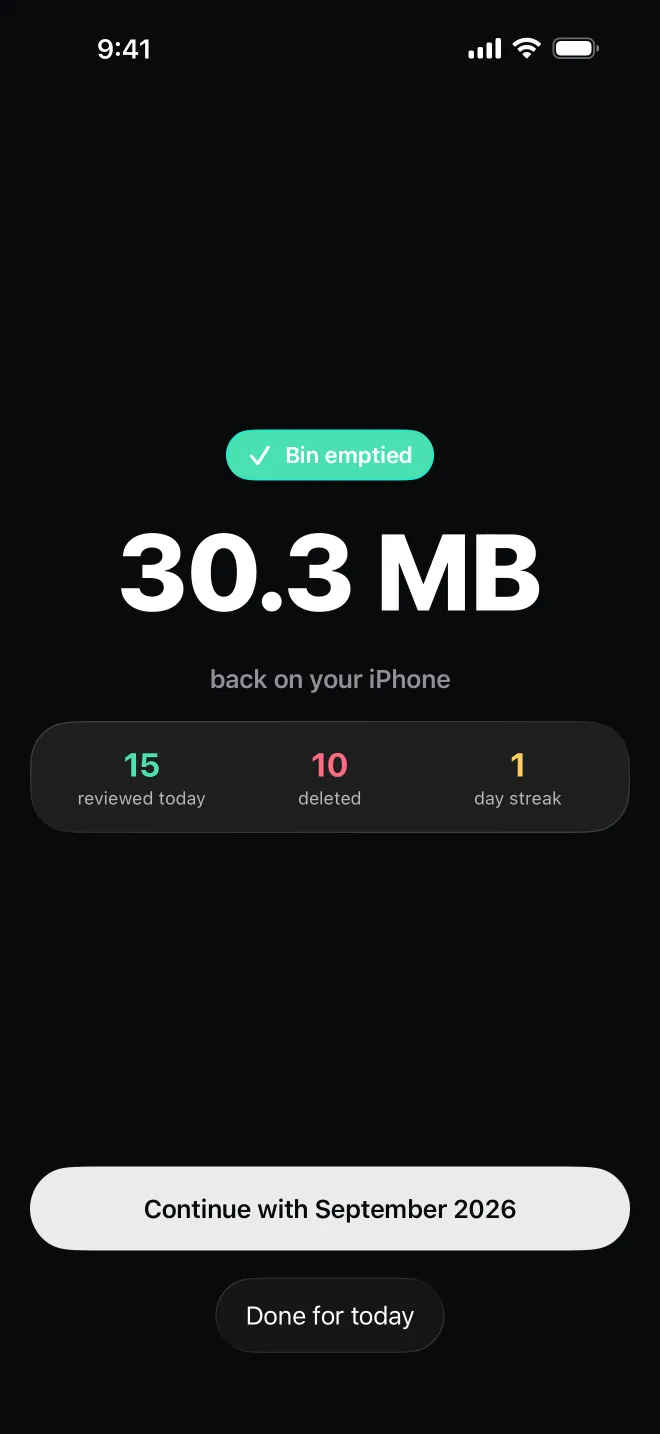
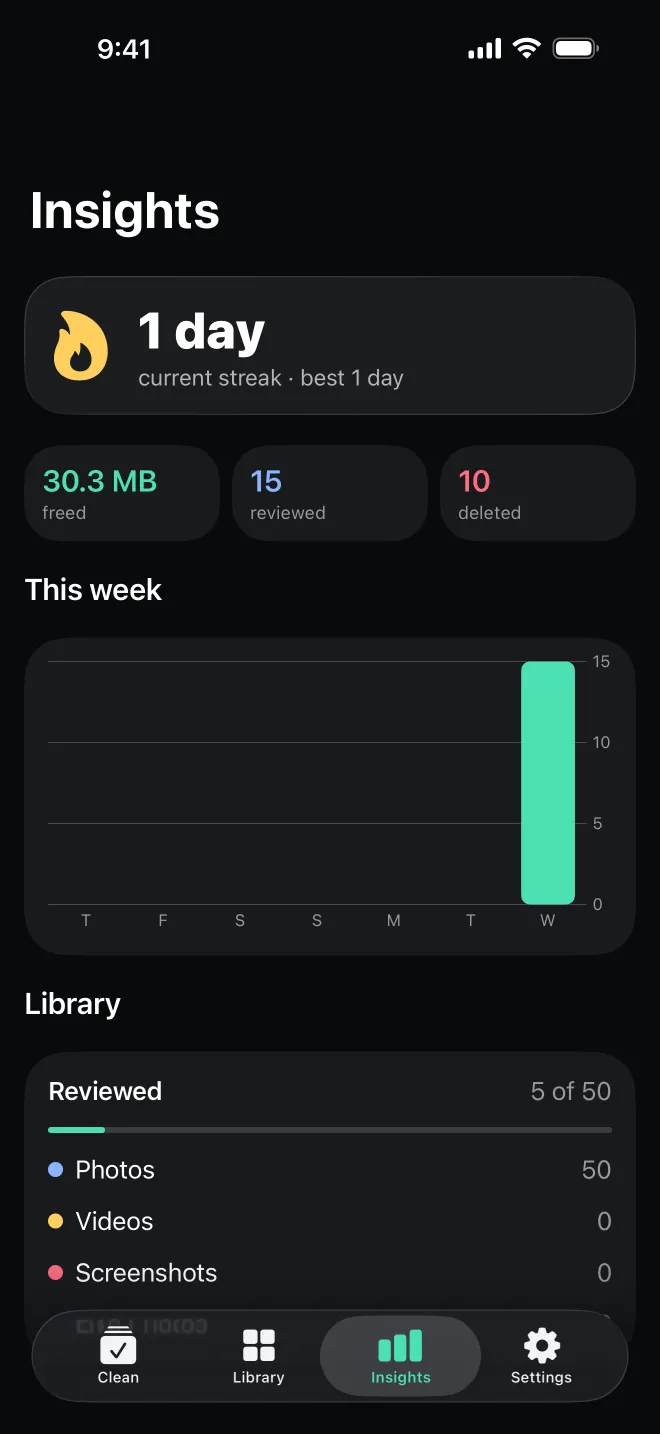
Track the space you freed, keep a daily streak and see it at a glance on your home screen.
Pick a time and SwipeClean nudges you once a day, only on days you haven't cleaned yet.
Private by design
No account, no uploads, no ads. SwipeClean works directly with Apple's Photos library on your device. Read the privacy policy.